CAD/CAM PROSTHETIC SOLUTIONS

TITANIUM
BLANKS

Engineered for limitless prosthetic solutions.

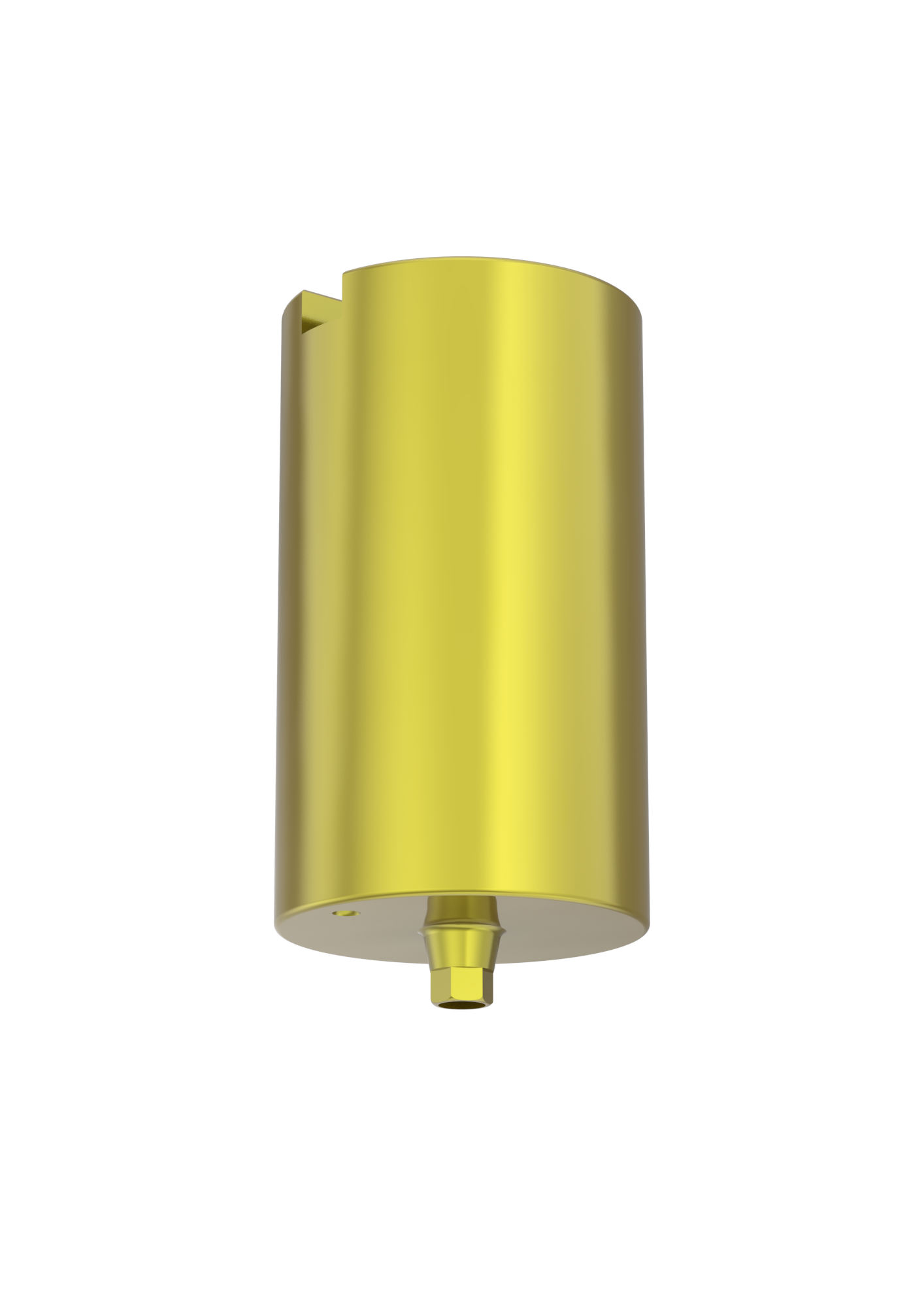
Customisable abutments that allow labs to create custom profiles while using the original Southern Implants implant–abutment interface. Manufactured from premium Grade 4 titanium with a precision-milled Southern interface.

Grade 4
Titanium
6
Implant Systems
0.35mm
Built-in Collar
Southern
Workflow
Medentika
Workflow
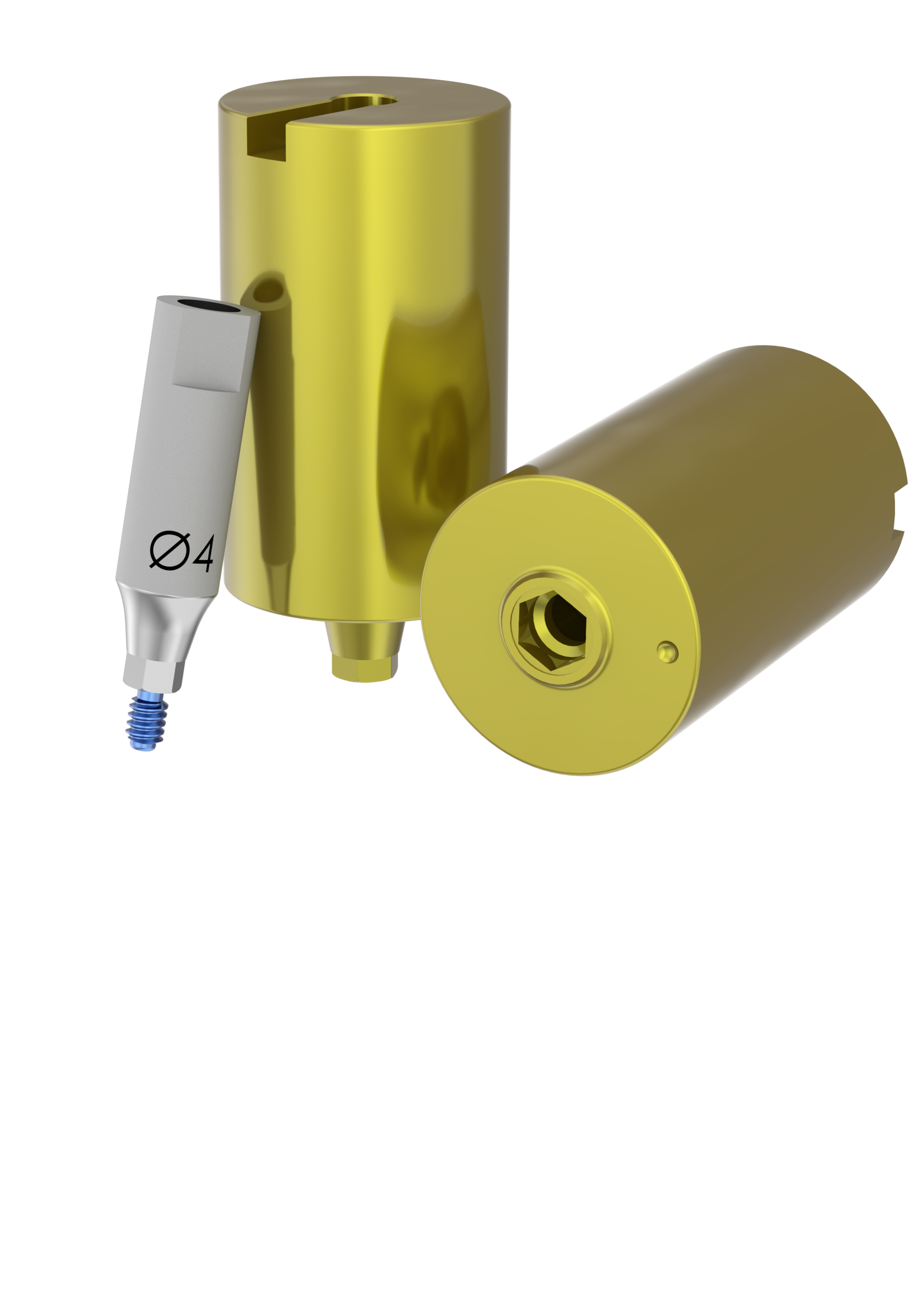
Titanium Blanks Family
INFINITE POSSIBILITIES · ULTIMATE PRECISION

Engineered to Perform

Every detail of the Titanium Blank is precision-designed to deliver a seamless, reliable experience from digital design to final restoration.

Alignment Dimple

Alignment Dimple

Precision dimple on the body ensures quick, accurate orientation during loading into the milling holder.

Smooth Interface Transition

Smooth Interface Transition

Ensures a precise, seamless transition between the custom profile and Southern Implants interface for optimal fit and performance.

Anodised Gold Finish

Anodised Gold Finish

The distinctive anodised gold colour immediately signifies an original Southern Implants manufactured component — your guarantee of authenticity.

Precision-Milled Interface

Precision-Milled Interface

Manufactured from premium high-strength Grade 4 titanium, ensuring exceptional strength, durability, and long-term reliability in-vivo.

Built-in 0.35 mm Collar

Built-in 0.35 mm Collar

All blanks feature a built-in 0.35 mm collar that protects the precision-milled Southern Implants interface during machining, ensuring complete and accurate seating of the finished abutment every time.

MEDENTIKA HOLDER COMPATIBILITY

Seamless Digital Workflow

Designed to integrate effortlessly with modern CAD/CAM systems, enabling efficient design processes for dental laboratories worldwide.

  • check_circle Compatible with 3Shape and Exocad CAD platforms
  • check_circle Direct integration with Hyperdent and Millbox CAM software
  • check_circle Fits Medentika milling holders for maximum lab flexibility
  • check_circle Dedicated CAM libraries that enable seamless blank alignment
3d_rotation
3Shape
CAD Software
architecture
Exocad
CAD Software
construction
Hyperdent
CAM Software
manufacturing
Millbox
CAM Software
circle
Medentika Holder
Compatible Milling Holder

Two Flexible Workflows

Whether you work natively with Southern Implants libraries or prefer the Medentika ecosystem, Titanium Blanks adapt to your lab's existing process.

star SOUTHERN WORKFLOW

Southern Implants Native

1

Implant Position Scanning

Scan the implant position using the appropriate Southern Implants scan flag.

2

CAD Design Using Southern Libraries

Design the abutment in 3Shape or Exocad using the dedicated Southern Implants Titanium Blank libraries. These libraries enable design directly to the implant interface to ensure a smooth transition.

Note: All blanks feature a built-in 0.35 mm collar, protecting the precision-milled Southern Implants interface during machining and ensuring complete and accurate seating.

3

CAM Processing and Milling

Import CAD files into your preferred CAM software, complete the alignment process, and proceed with milling the component.

Note: Southern Implants offers direct integration with Hyperdent and Millbox, with dedicated CAM libraries that enable seamless blank alignment.

hub MEDENTIKA WORKFLOW

Medentika Compatible

1

Implant Position Scanning (Medentika Compatible)

Scan the implant position using a Medentika compatible scan flag.

2

CAD Design Using Medentika Libraries

Design the abutment in 3Shape or Exocad using Medentika libraries, following the recommended software selection outlined in the software selection table. The same software selection should be applied within your CAM software.

3

Blank Placement and Milling

Insert the Southern Implants Titanium blank into the Medentika holder and proceed with milling the abutment.

Tip: If your CAM software does not support manual blank alignment, the Medentika workflow can be followed as an alternative to the Southern workflow.

Versatile Across the Southern Implants Range

Enabling the fabrication of a wide range of prosthetic solutions across all major Southern Implants implant systems.

Range & Software Selection

Select the correct library code for your chosen workflow.

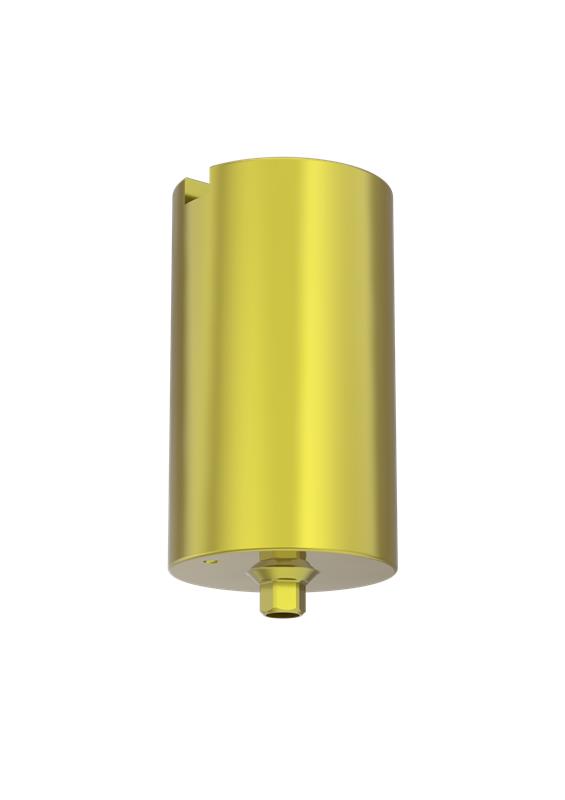
Deep Conical

Product Code Southern Workflow Medentika Workflow
BL-DC3-11BL-DC3-11S 9030-R
BL-DC4-11BL-DC4-11S 9000-R
BL-DC5-11BL-DC5-11S 9020-R
BL-DCR5-11BL-DCR5-11N/A*

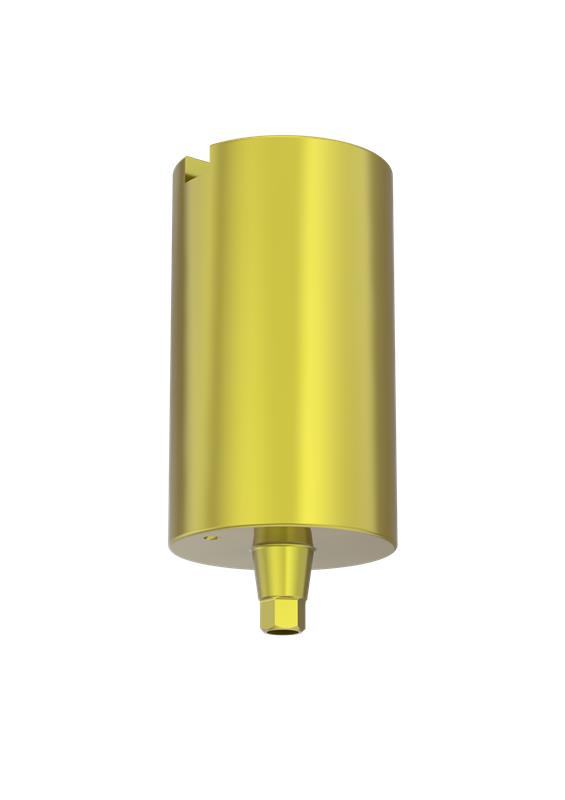
Provata / Int Hex

Product Code Southern Workflow Medentika Workflow
BL-3M-11BL-3M-11N/A*
BL-M-11BL-M-11R 9000-R
BL-Z-11BL-Z-11R 9020-16R
BL-M-P45-11BL-M-P45-11N/A*

SP1 (Single Platform)

Product Code Southern Workflow Medentika Workflow
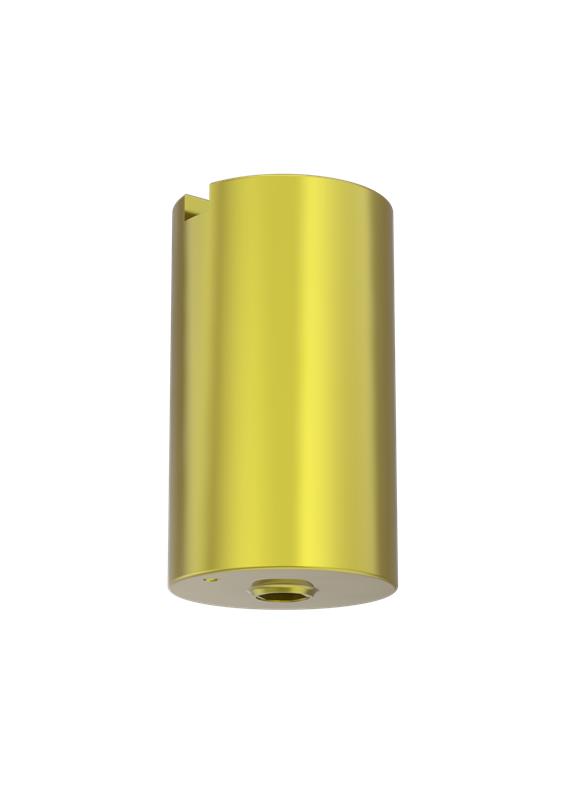
BL-SP-11BL-SP-11GM 9000-R
BL-SP-11-ASCBL-SP-11-ASCGM 9000-R
BL-SP-PM-11BL-SP-PM-11N/A*

External Hex

Product Code Southern Workflow Medentika Workflow
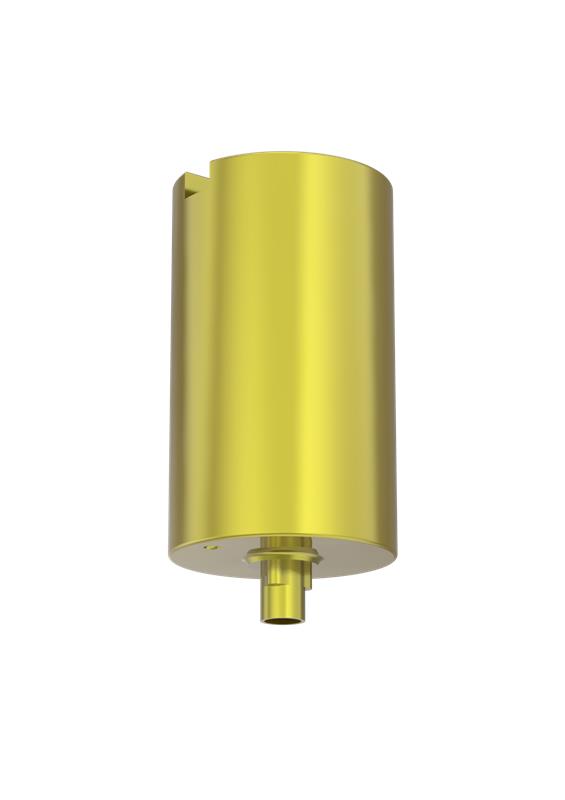
BL-EX30-11BL-EX30-11TBC
BL-EX34-11BL-EX34-11I 9000-R
BL-EX40-11BL-EX40-11I 9010-R
BL-EX50-11BL-EX50-11I 9020-16R
BL-EX60-11BL-EX60-11N/A*

Tri-Nex

Product Code Southern Workflow Medentika Workflow
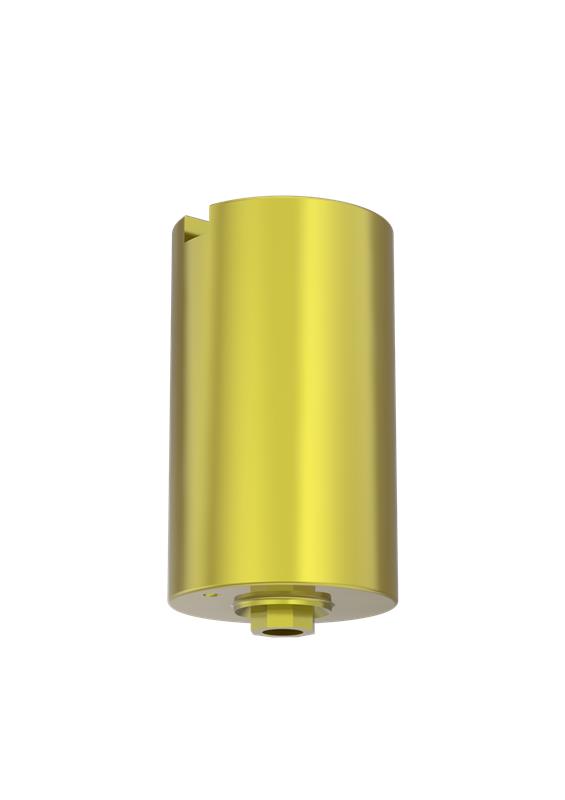
BL-EL35-11BL-EL60-11E 9000-R
BL-EL43-11BL-EL43-11E 9010-R
BL-EL50-11BL-EL50-11E 9020-R
BL-EL60-11BL-EL60-11N/A*

IT

Product Code Southern Workflow Medentika Workflow
BL-ITS-11BL-ITS-11N 9010-R
BL-IT6-11BL-IT6-11N 9020-R

* N/A — Medentika compatible library not available for this SKU. Use the Southern Workflow for these products.

picture_as_pdf
PRODUCT BROCHURE

Titanium Blanks — Full Product Brochure

Download the complete Titanium Blanks brochure for detailed product specifications, workflow guides, and the full range overview.

download Download PDF

Ready to Expand Your Lab's Capabilities?

Contact your Southern Implants representative to learn more about Titanium Blanks and request a sample or CAM library files.